Write the plan itself first, on the Overview stage — the abstract, hypotheses, variables, and (optionally) answers to your chosen OSF template’s questions. See Your research plan.
What happens when you preregister
- Your working Draft is frozen into an immutable preregistered version (numbered, citable).
- That version is pushed to the OSF under the preregistration template you chose, with your hypotheses and design — producing a timestamped registration, its DOI, and a link. (Stimulus materials are pushed separately — see OSF.)
- The study becomes runnable — you can open recruitment.
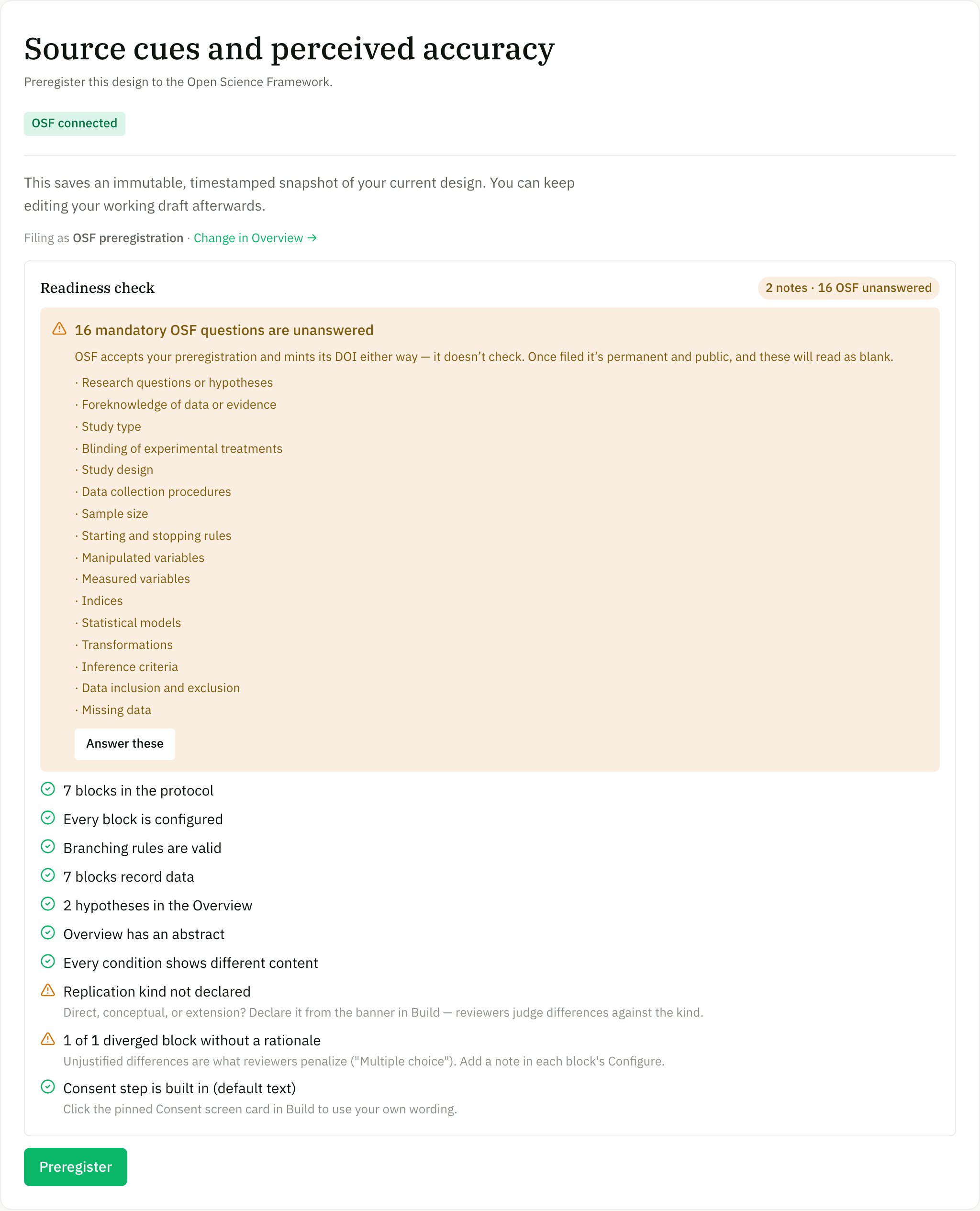
The Preregister stage: which OSF template you're filing under, and a readiness check that names every unanswered mandatory OSF question — then freeze and push.
Before you preregister
The Readiness check on the Preregister stage runs through:- All required blocks configured and validated, and every condition/variant behaving as intended (check in Preview).
- Any mandatory OSF questions still unanswered — named individually, with a link straight to them on Overview. This warns; it never blocks (OSF enforces nothing, so filing with blanks is possible — see Your research plan).
- If the study uses AI, the non-determinism disclosure that’s added automatically.
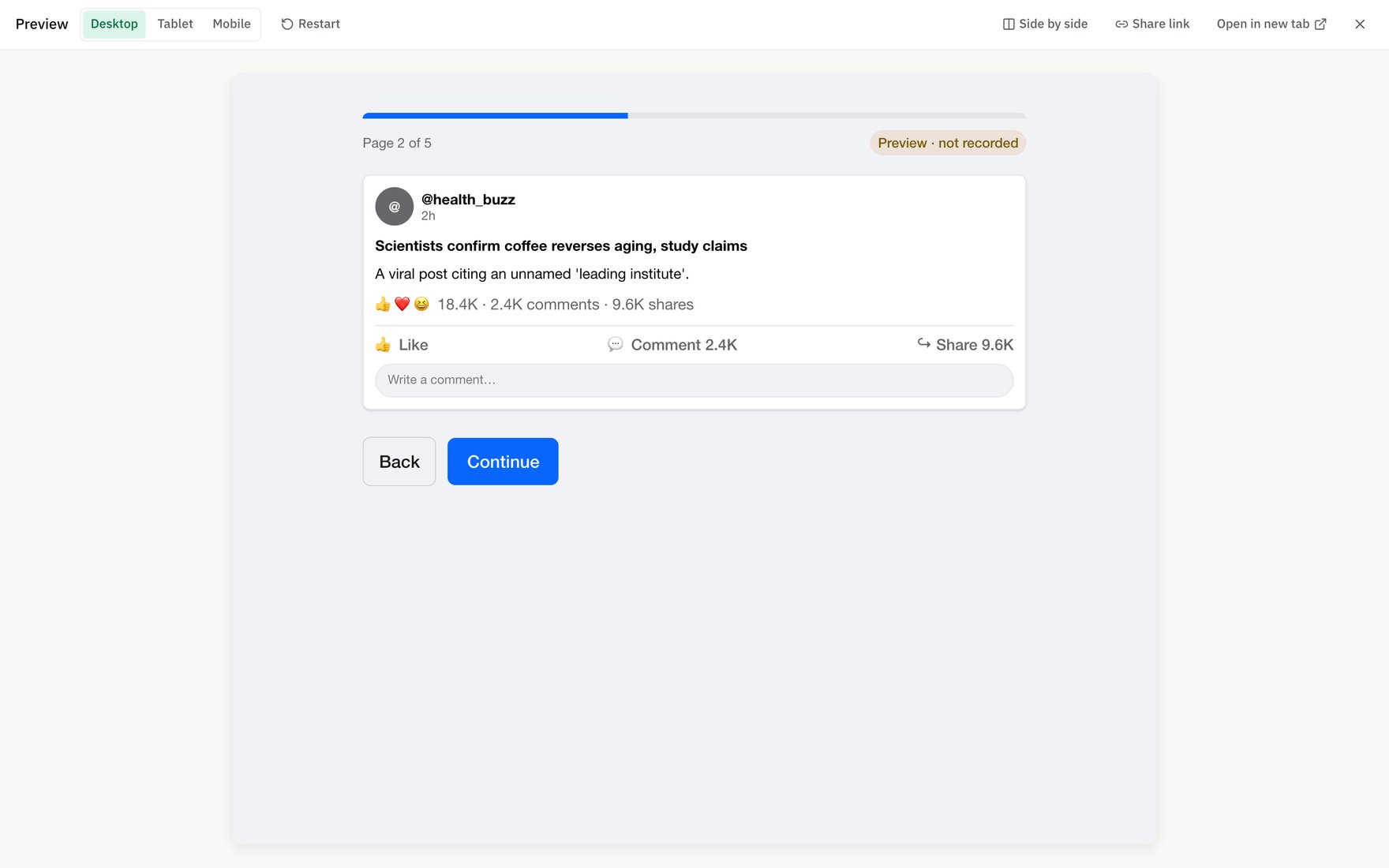
Preview the study as a participant first — the preflight validates blocks and branching.
Preregister vs publish
- Preregister — the open-science path: freezes and timestamps on OSF.
- Publish — freezes a runnable version without an OSF push (good for pilots/exploratory work).