Variants vs conditions
- Conditions branch one participant’s path within a version based on their answers.
- Variants assign different participants to different versions of the study and balance assignment across them. This is the A/B (and factorial) mechanism.
Setting up
- Open the Variants section in the Builder.
- Define one or more factors, each with two or more levels (e.g. factor Headline framing with levels Neutral / Alarming).
- The study’s blocks reference the active level, so each arm shows the right content. Participants are split across the resulting cells.
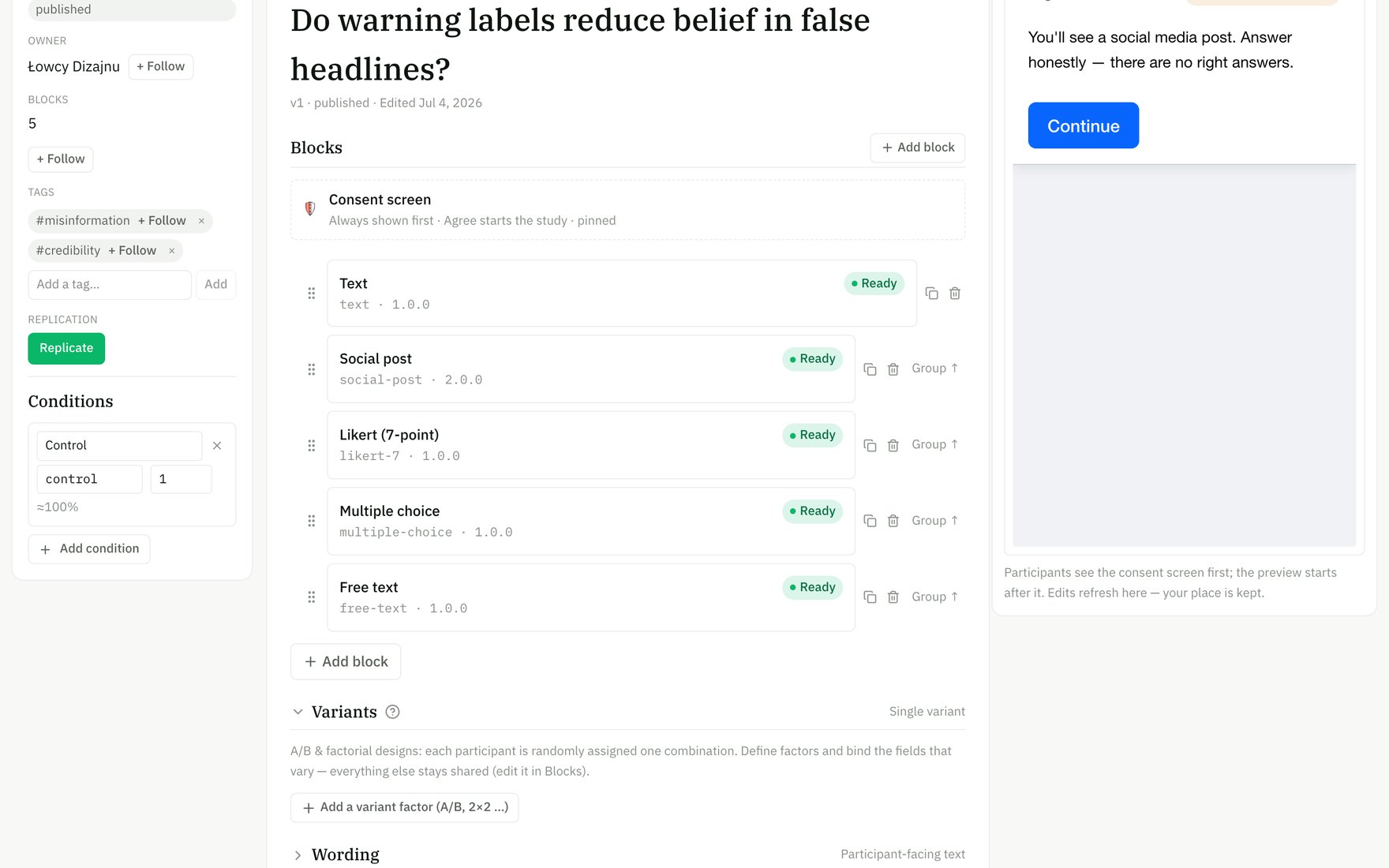
Define variant factors (A/B, 2×2, …) at the foot of the Builder; block fields bind to the active level.