Connect
Go to Settings → AI connections and add your Anthropic API key (from the Anthropic console). The key is stored encrypted per workspace and is never returned to the browser.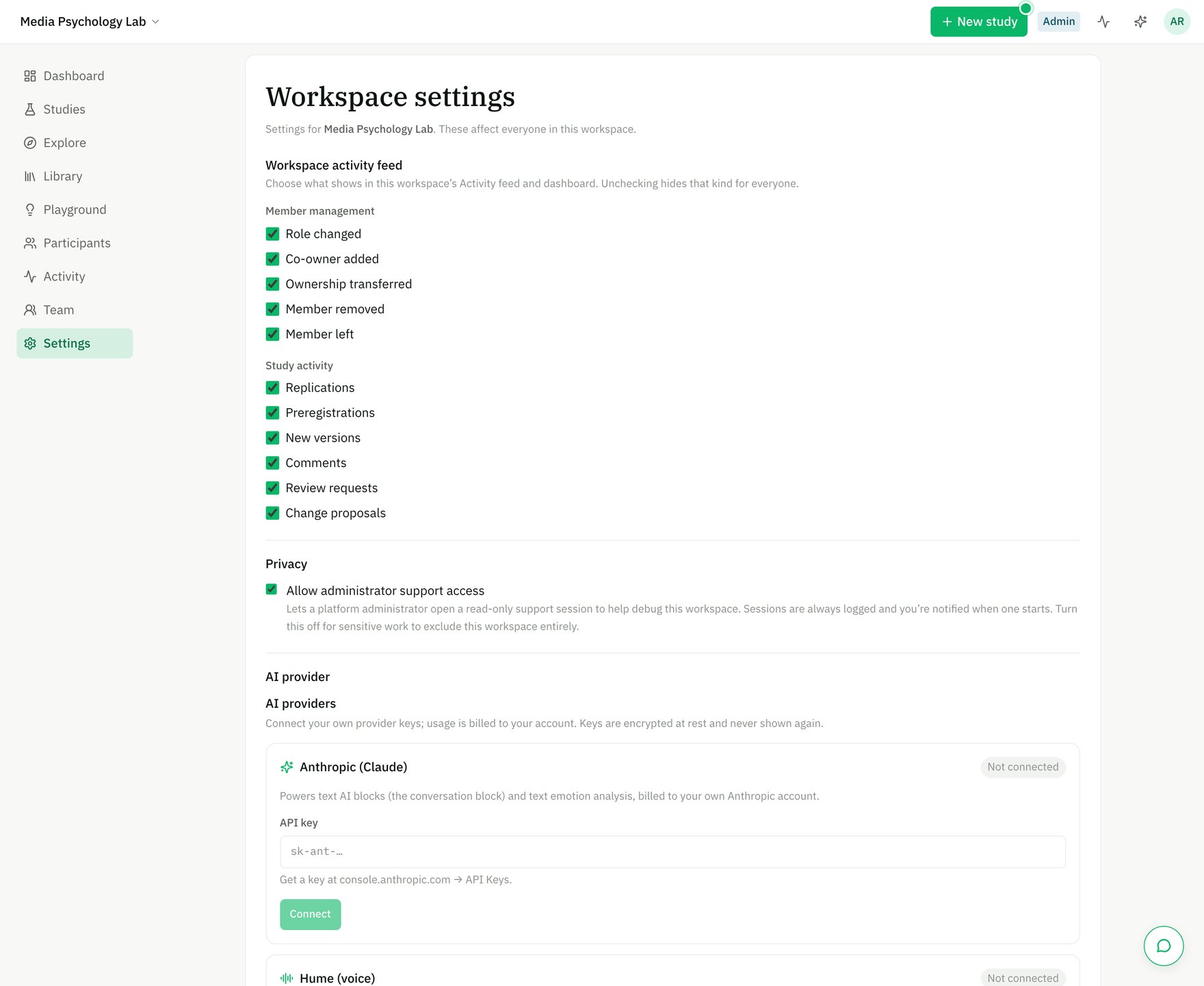
Paste your own Anthropic API key under Settings → AI providers; usage bills to your account.
Cost & transparency
- AI usage is metered per workspace; an advisory
≈ $X / participantestimate appears in the Configure panel of AI blocks. - The platform admin sees workspace-level AI cost rollups; you stay in control of your own spend via your provider account.
Non-determinism disclosure
When a study includes an AI block, MRL automatically:- adds an informational item to the preflight checklist, and
- appends a standard non-determinism disclosure to the OSF preregistration body — because model outputs vary, this is part of honest reporting.
Other providers (e.g. Hume for emotion/voice) follow the same BYO-key pattern under their own connection.