How it works
- Select the block you want to make conditional.
- In its Configure panel, add a visibility rule: “show this block if [earlier answer] [operator] [value]”.
- At run time the rule is evaluated live — participants only see blocks whose conditions pass.
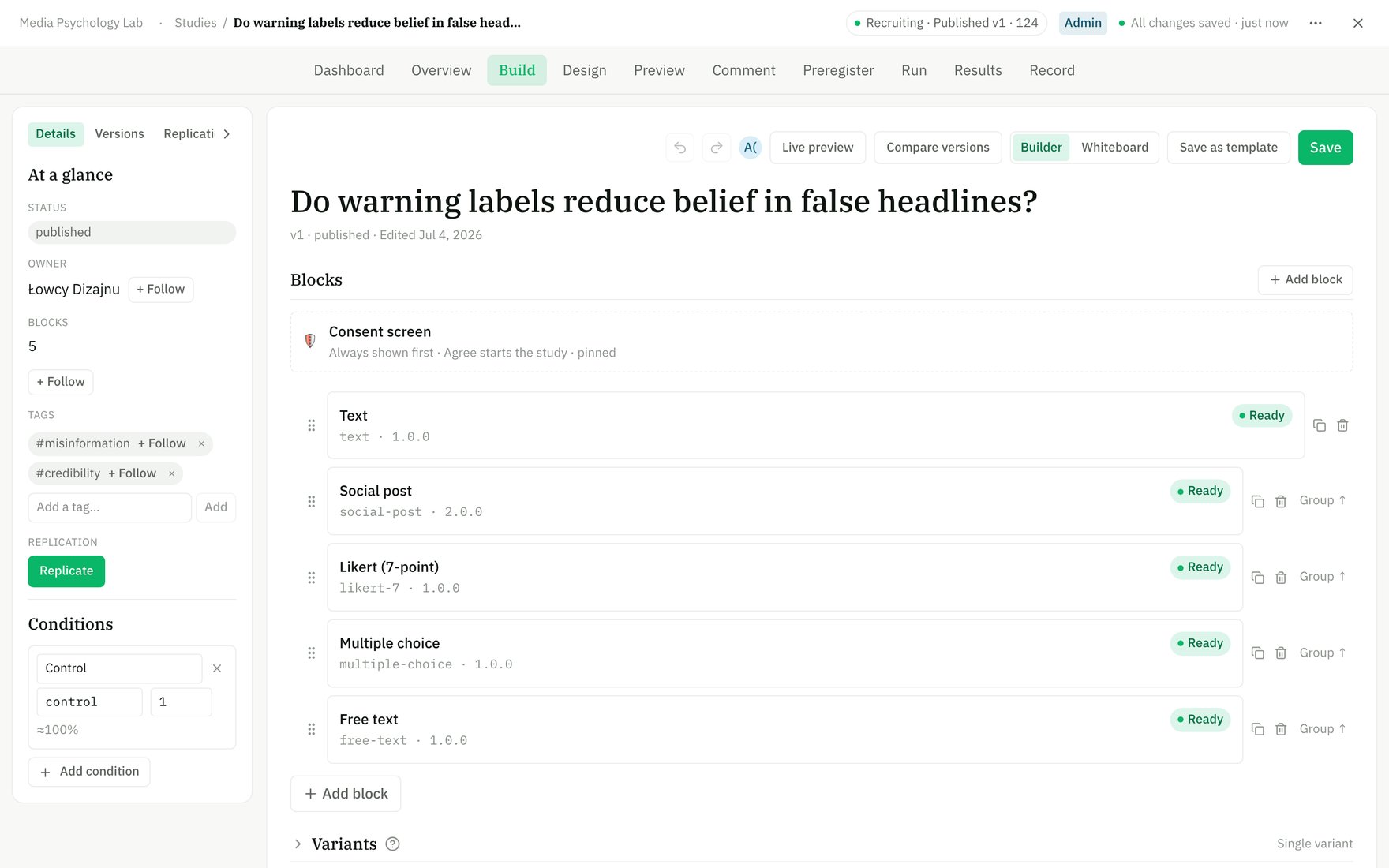
Conditions live in the Builder's left panel — each is a named arm, and blocks can be gated to show only in some of them.
Common patterns
- Screening: route out participants who don’t meet criteria (e.g. send them to the end if a screener answer disqualifies them).
- Branching: show follow-up questions only to people who answered a certain way.
- Skip logic: hide a whole section that doesn’t apply.
On the whiteboard
Switch the Builder to Whiteboard mode to see your study as a graph — blocks are nodes and conditions are the edges between them. You can draw a condition by connecting one block’s answer to another block.Conditions branch within one version. To split participants across separate arms of a study (e.g. stimulus A vs B), use variants instead.