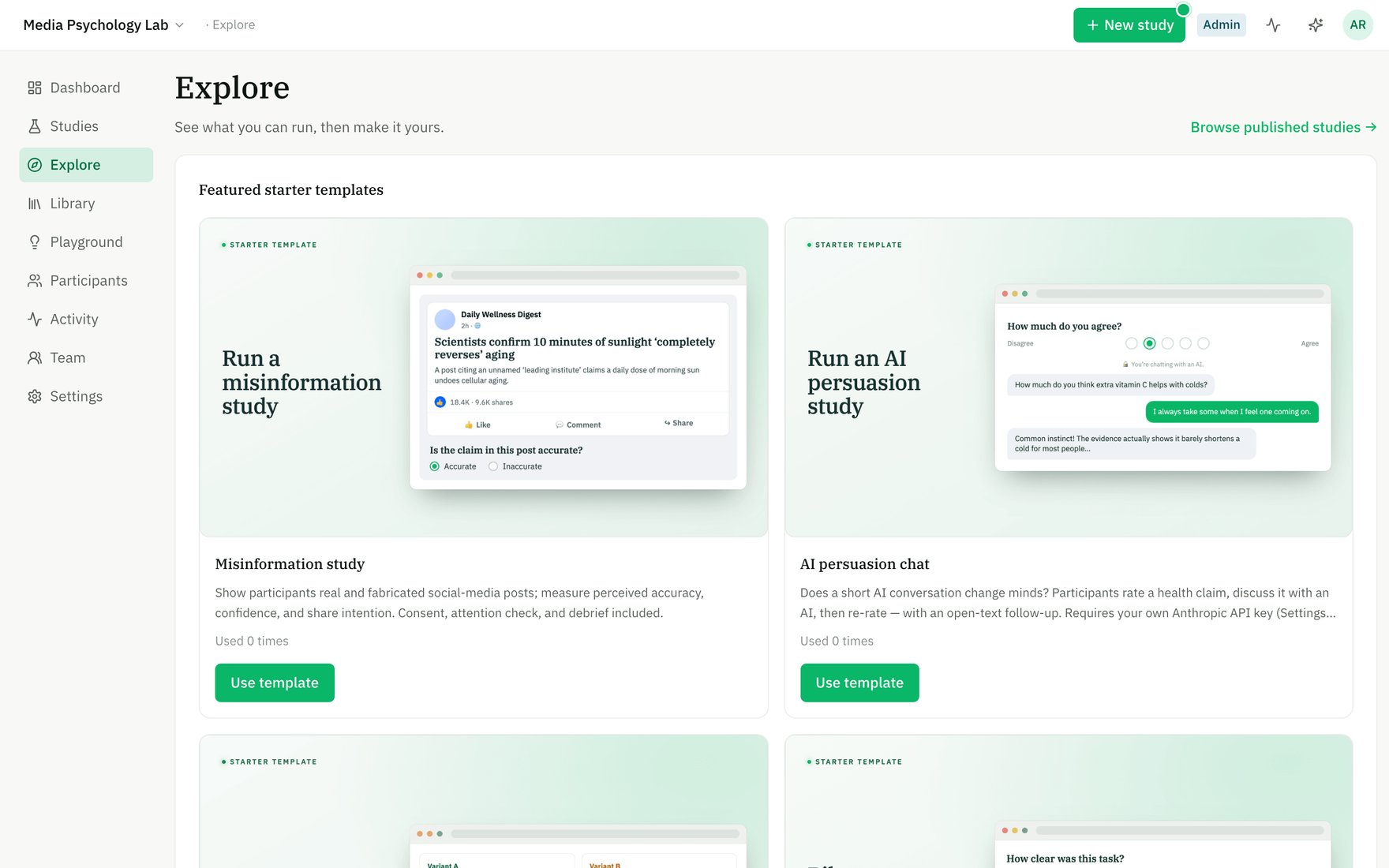
Explore — start from a ready-made template, or browse what the community has published.
The shape of the work
1
Build
Assemble your study from blocks (questions, stimuli, timers, media tasks) in the Builder. No coding.
2
Preregister (optional)
Freeze a version and push it to the OSF so your hypotheses are timestamped before data collection.
3
Run
Open recruitment and share a link, or recruit a balanced sample through Prolific.
4
Share
Make the study public so others can read, cite, and replicate it.
Five-minute path
- Sign up and create your first workspace.
- From Explore or Studies, click Start building — you land in the Builder on a fresh draft.
- Add a few blocks, set any conditions or variants you need.
- Use Preview to take the study exactly as a participant would.
- Publish (or preregister) to make it runnable, then open recruitment on the Run stage.
Key ideas
- Workspace — your team’s container for studies, members, and connections. You can belong to several.
- Draft → frozen version — autosaves are your live draft; preregister or publish freezes an immutable version you can run and cite.
- Replicate — copy any public study into your workspace as a faithful starting point.