Applying a theme
In the Builder, open the appearance/theme controls to set the study’s look. Use Preview to see exactly what a participant will see.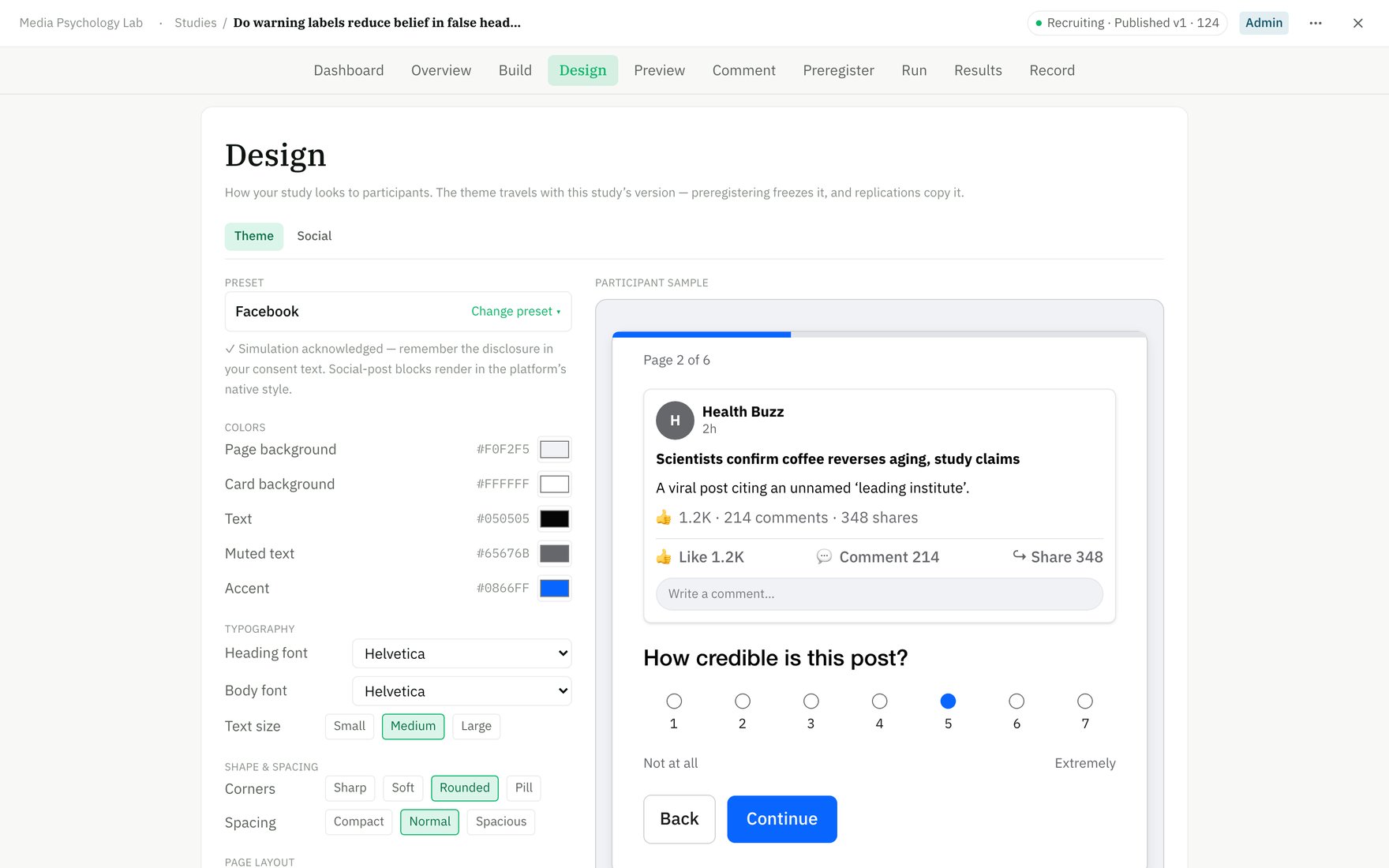
The Design → Theme editor: pick a preset and tune colours, with a live sample on the right.
Why it matters
- Consistency with your materials or institution.
- Stimulus fidelity — for social-media or interface studies, a clean, neutral frame keeps the stimulus (not the chrome) the focus.
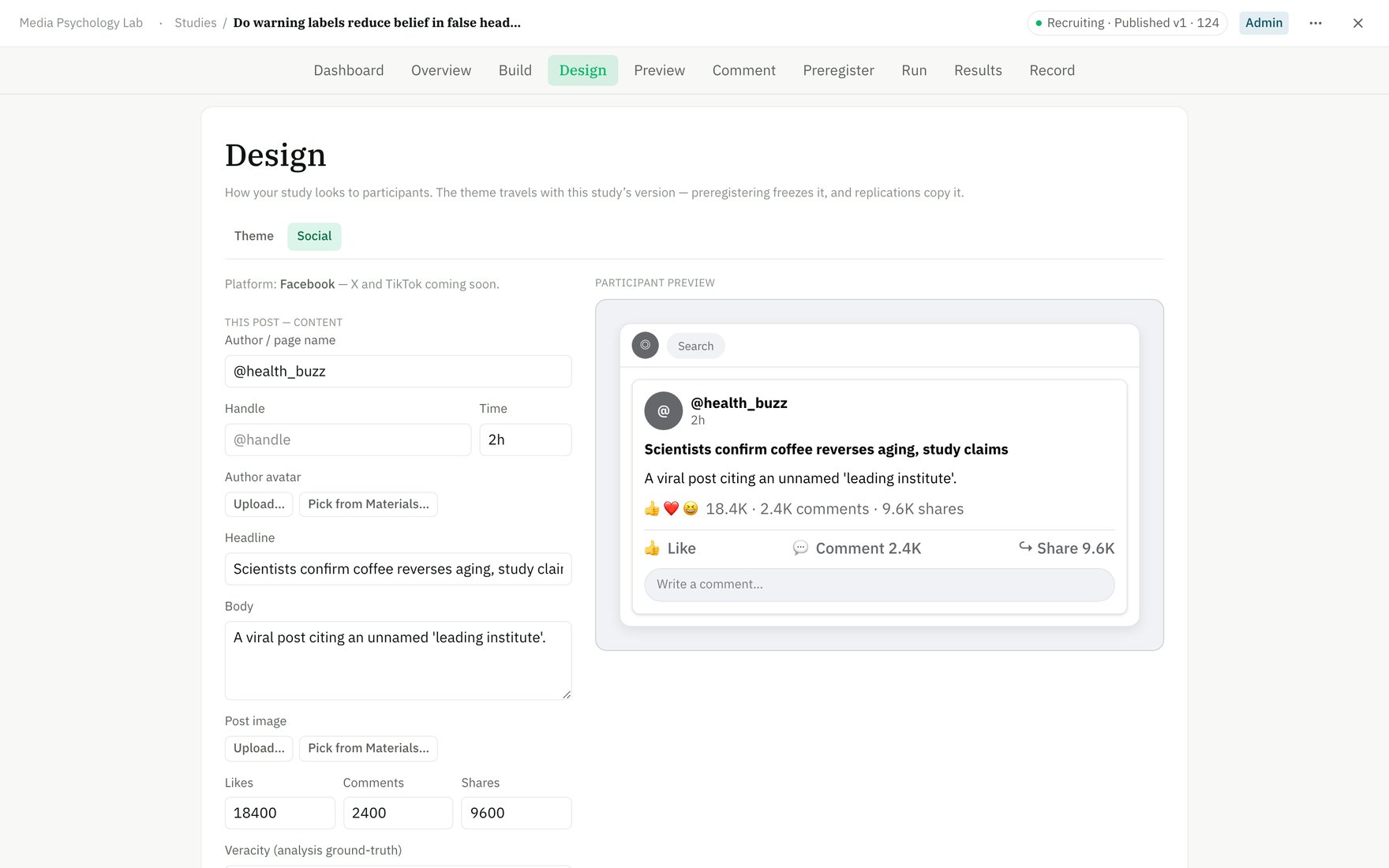
Design → Social styles stimulus blocks — here, the Facebook-style social post participants see.
Reuse
Saved themes live in the Library → Themes so you can apply the same look across studies rather than re-styling each one.Theme changes are purely presentational — they never alter which blocks a participant sees or how data is recorded.