Create an account
Go to myresearchlab.app and choose Sign up. You can sign up with:- Email — we send a magic link; open it and you’re in (no password to remember).
- Google — one-click sign-in.
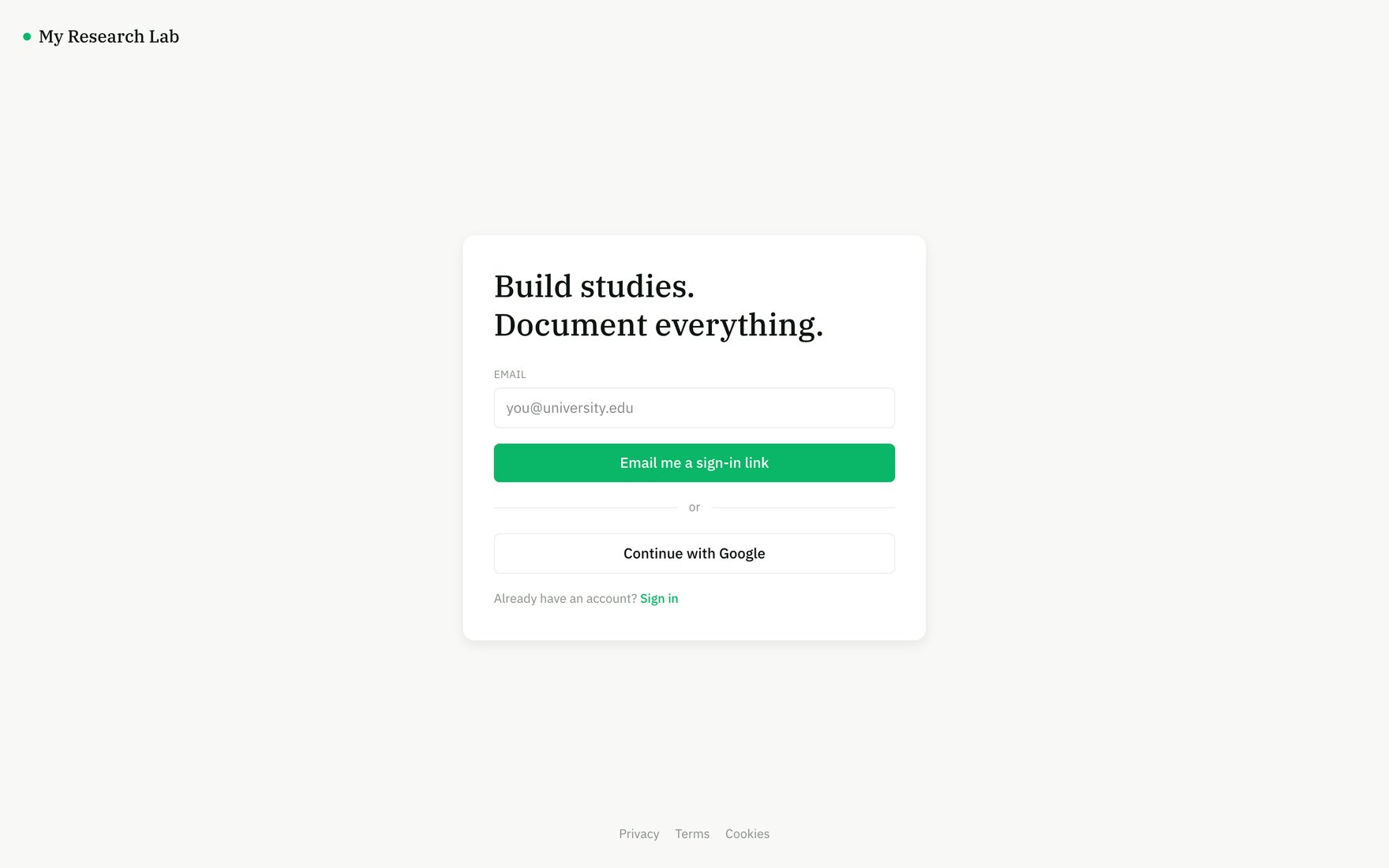
Sign up with an email magic link or Google — there's no password to manage.
Onboarding
After verifying, you’ll:- Set your display name and pick a theme (light / dark / system — change it any time in Account settings).
- Name your first workspace. A workspace holds your studies, your team, and your integration connections.
Workspaces
A workspace is the unit of collaboration:- Studies, members, and connections (OSF, Prolific, AI keys) all live at the workspace level.
- You can create more workspaces and switch between them from the workspace switcher.
- You can be invited to other people’s workspaces; invitations attached to your email are linked automatically when you sign up.
Invited to a workspace? Just sign up with the email the invite was sent to — you’ll join automatically.